
Who it is for
For restaurants and cafés
From the owner and head office to branch staff and IT, everyone works from the same data. Each user sees the screens that fit their role.
LiveRestaurant and café chains, and single-site businesses.
CENPRA by role
Chain owner and operations director
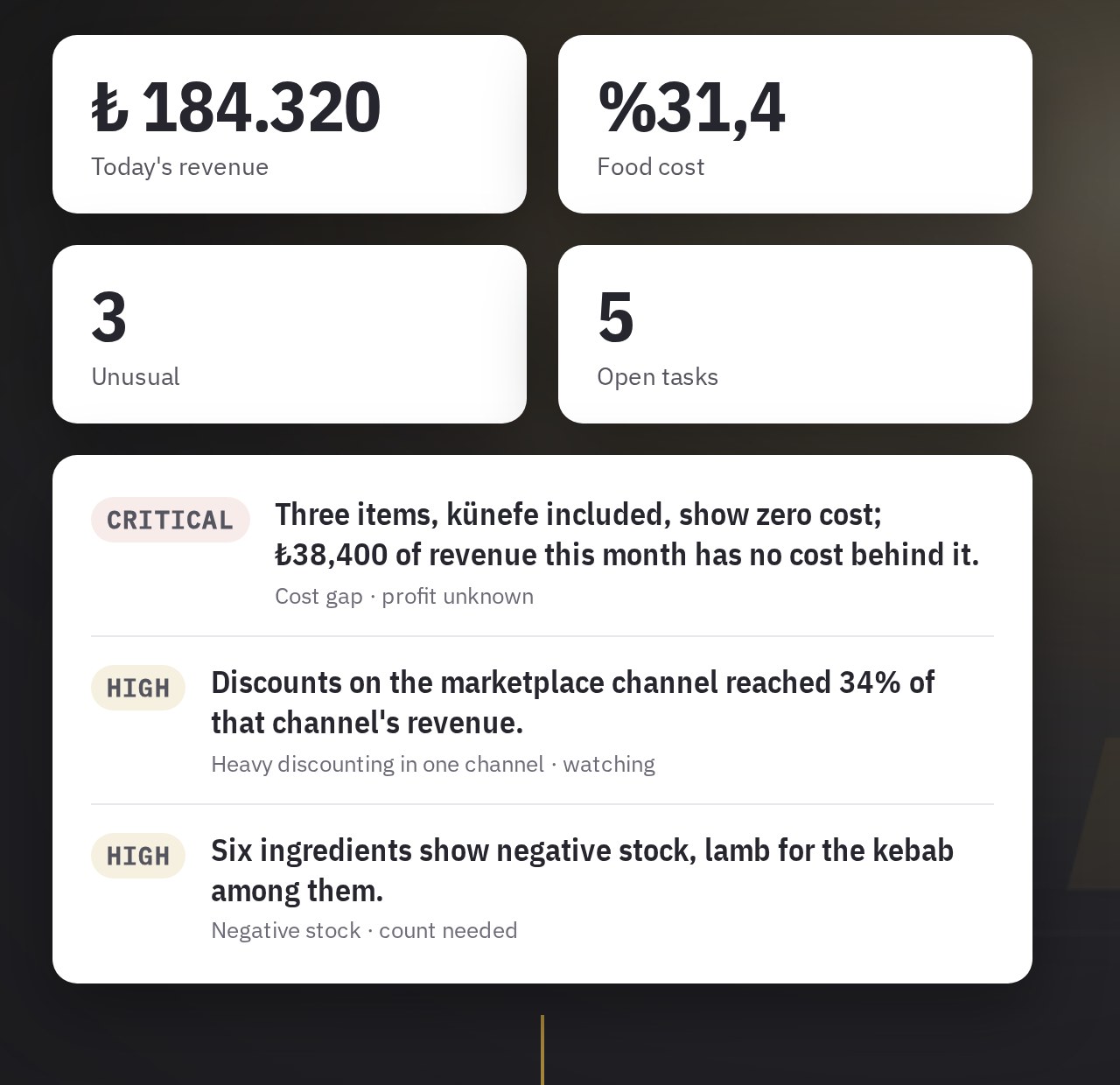
A summary of the previous day every morning: branches falling behind, products without a cost, channels with heavy discounts. A quick check on the phone, a detailed review on the desktop. Products: Brain and Talos.
Head-office purchasing, warehouse and operations team
Invoices, goods receipt, transfers, counts and purchasing run in one system, with dozens of ready-made reports and profit and loss by branch. Product: ERP Pro.
Branch staff
A simple screen for orders, counts, returns, goods receipt and document photos. Costs are not shown to the branch; the brand decides whether document totals are visible. Product: ERP branch portal.
Single-site or small operators
The same product in a package suited to smaller businesses: stock, recipes, costing and counts. Product: ERP Lite.
Integration and IT
A connection that leaves the POS unchanged, accounts per branch, duplicate checks and daily reconciliation. Email alerts are sent if a transfer or delivery fails.
Let's start with one of your branches
Tell us how many branches you have and which POS you use. We will work out together which product to start with.