
How it works
It starts with your POS; the rest is one chain.
We do not sell a POS. A sale leaving your existing POS crosses a bridge, lands on its recipe and stock, is read on the decision board at the end of the day and becomes a proposal for tomorrow. Every product sees the same sale, the same stock and the same account.
LiveWithout changing your POS.
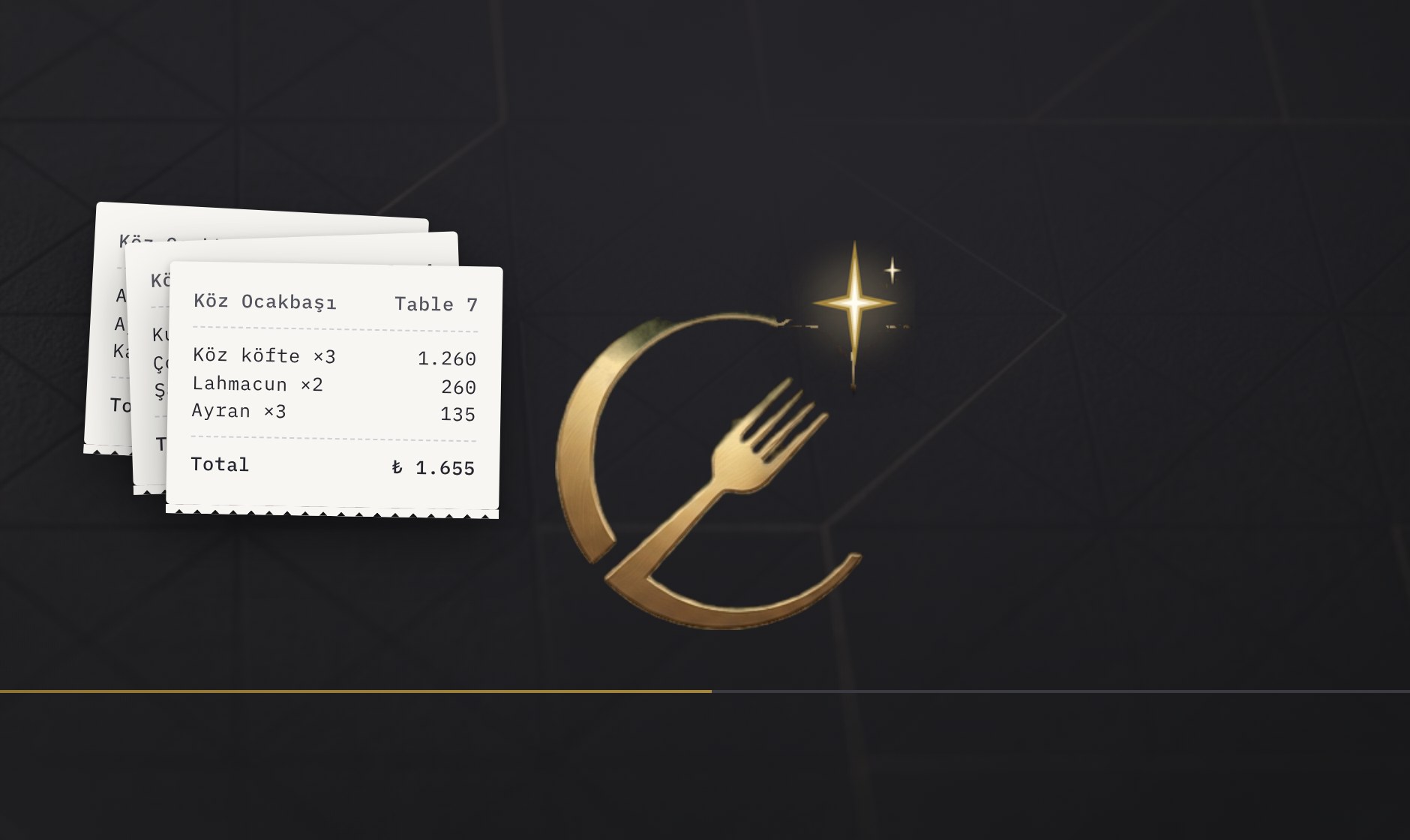
From sale to decision
The path a sale follows through the day. No step involves manual data entry.
- 1
The POS rings the sale
Sales are made as usual on the POS you use; your POS does not change.
- 2
The bridge carries and checks
The sale crosses the bridge as it happens; duplicates are blocked, voids and corrections are caught, missing data is reported. Each branch connects with its own POS account; data never mixes.
- 3
ERP lands it on recipe and stock
The item sold matches its recipe; ingredients leave stock and the plate's real cost is computed.
- 4
Brain sums up the day
The usual is separated from the unusual; the unusual becomes a task and is followed until closed.
- 5
Talos proposes, you approve
It learns your rhythm, asks before making a rule, and never acts without your approval.
It starts with one branch
Setup begins by connecting your POS. A business selling today sees its data the same day.
- 1
Connect your POS
A secure connection is made to the data of your existing POS. Sales start flowing the same day; you re-enter nothing.
- 2
Introduce your recipes
Once items match recipes, every sale becomes real ingredient consumption and cost. Something unmeasured never shows as zero.
- 3
Let your team work from their own screen
Head office sees every branch; branch staff order, count and receive. Each user sees only their own branch.
- 4
Get the picture of the day every morning
Brain puts the unusual in front of you as tasks and follows them until closed.
Data and permissions
Each user sees only the branches they are entitled to.
Brand and branch separation is the same in every product. Branch staff work on their own simple screen; price and cost never reach the branch.
Branches never mix.
Each branch connects with its own POS account; data flows and is reported per branch.
The system computes, the AI interprets.
The model is not allowed to produce numbers; every figure has a source. Missing data is stated plainly, never shown as zero.
Nothing is done without approval.
Irreversible actions ask for confirmation first; Talos proposes, you decide.
Start with one branch.
Tell us which POS you use; let us connect one branch and watch the sales flow together.